Trusted by more appraisers than all other vendors combined
Create better appraisals
in less time
TOTAL is rock-solid and meticulously designed to save you time at every step. And it shows in every fiber of our formfilling platform. In fact, that’s why over half of the nation’s appraisals say “a la mode” at the bottom.
It’s all here — countless data entry shortcuts, the ability to effortlessly reuse comps and spread your appraisal across many screens, integration with tons of apps via our exclusive TOTAL Store, and so much more.
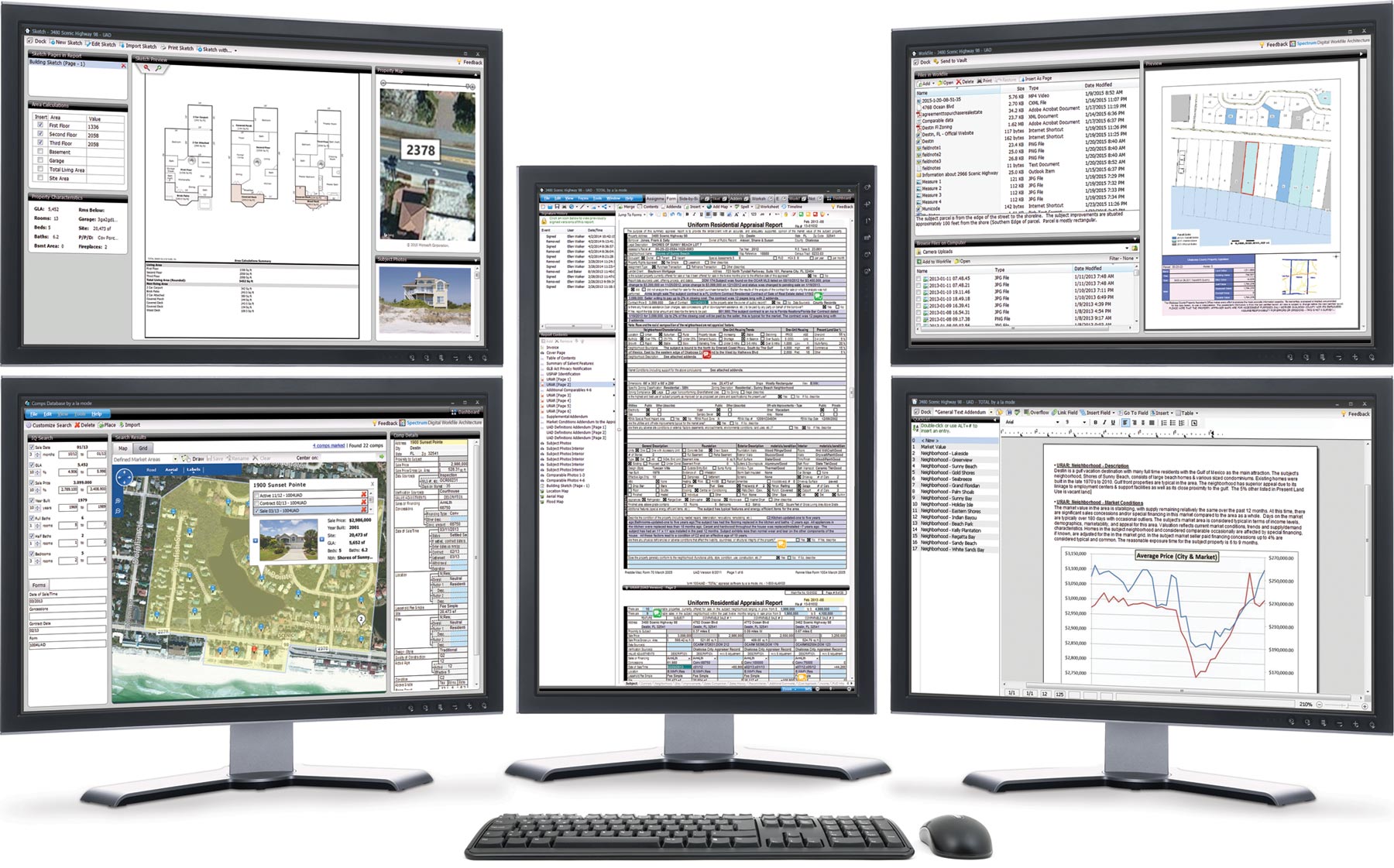
“What used to take two hours with ACI, is now literally 30 minutes with TOTAL. The combination of the two products … [TOTAL and TOTAL for Mobile™] lets me get more work done faster. What I can do in two clicks with a la mode used to take me six to eight clicks with ACI. It’s just a better designed software.”
Ditch the clipboard
Go paperless. Stop retyping. Save over 30 minutes per report.
With our leading TOTAL for Mobile app, you’ll gather report data, take and organize photos, sketch, and more on your phone or tablet. No resketching or missing data. Everything syncs beautifully to the desktop.
- No data connection needed
- Free for iOS and Android devices
- More mobile forms than other apps
- Completely customizable for your workflow
- Step-by-step video, written, and
webinar training
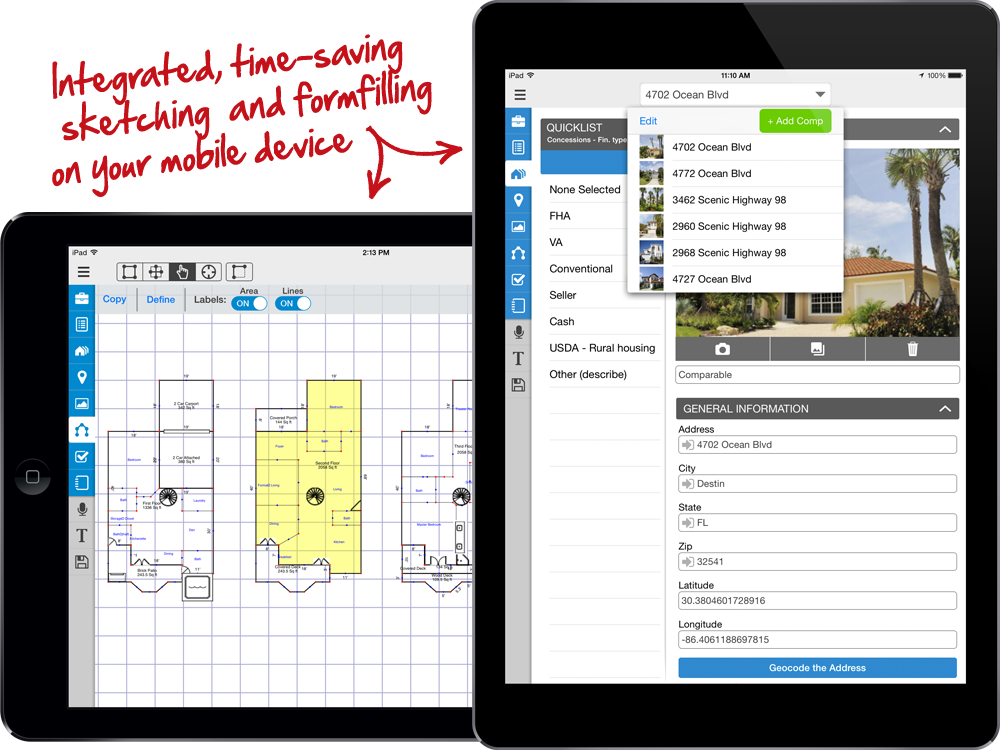
“I’ve been using TOTAL for Mobile for about the last 13 months and it has helped me save 30% of the time spent on reports and increased my accuracy. It has also increased my bottom line revenue 30% in the last year.”
Help for every part of your day
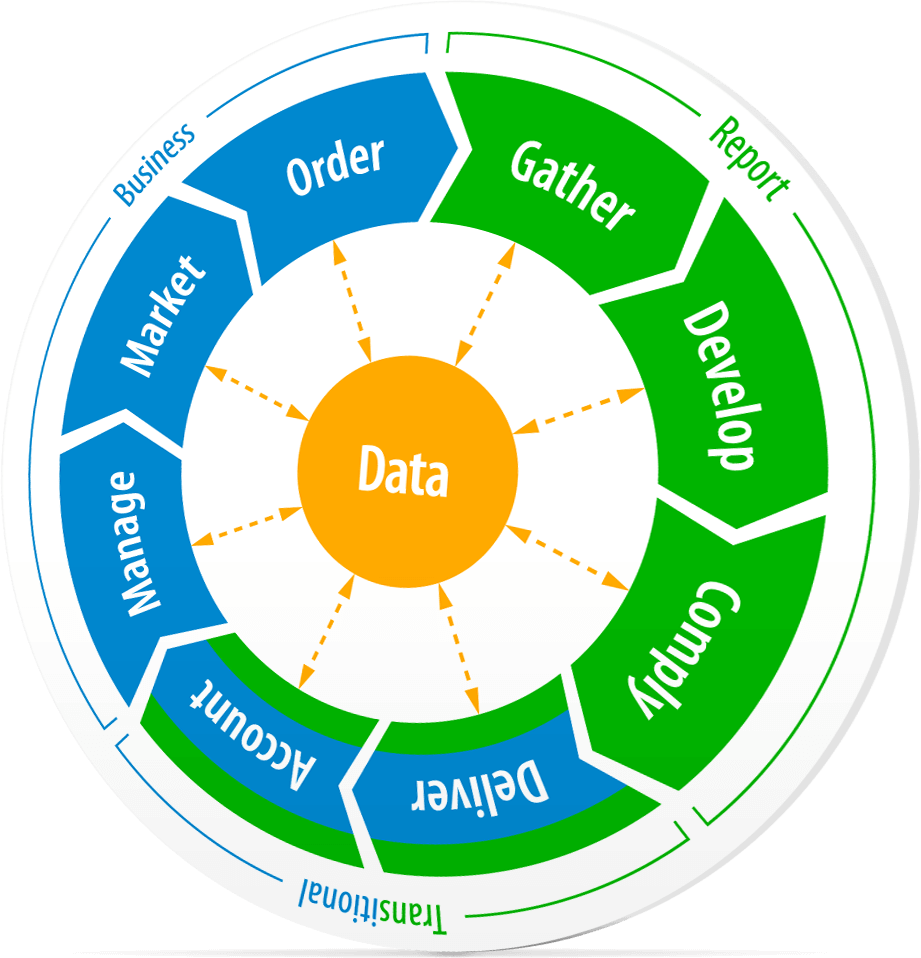
We’re the only vendor that focuses on the big picture to help you run your entire business. After all, filling out forms is just one part of your job.
Our products will also help you:
- Collaborate with others and share data from anywhere
- Keep your appraisals safe in the cloud without extra steps
- Get rid of file cabinets and papers
- Handle client calls without driving to the office
- Get paid on time, every time
- Manage your office’s workload among employees

Titan is your appraisal office, everywhere
Accomplish more in the cloudEvery appraiser knows the legendary names from the past two decades of our appraisal software — names like Aurora, Athena, Apollo, and Olympus. But now there’s a new one to learn: “Titan”. And it’s the best one yet, by a long shot.
Titan Reports is our latest-generation, 100% cloud-based forms system that runs on any web-enabled device (even a Mac). You can log in from anywhere, using your favorite browser, and instantly start working.
Get new clients and better fees
Protect yourself from mortgage market slowdowns by going after non-lender work. This way, when your lender and AMC work dips, you won’t scramble to stay profitable.
Our XSites and XSellerate will help you land the lucrative attorney, agent, and homeowner work. You’ll also educate current clients with your website and automated marketing system. It’s far more affordable than hiring a designer too. And all it takes is about an hour to set up and customize. Then, simply update the content from time to time to boost your SEO.
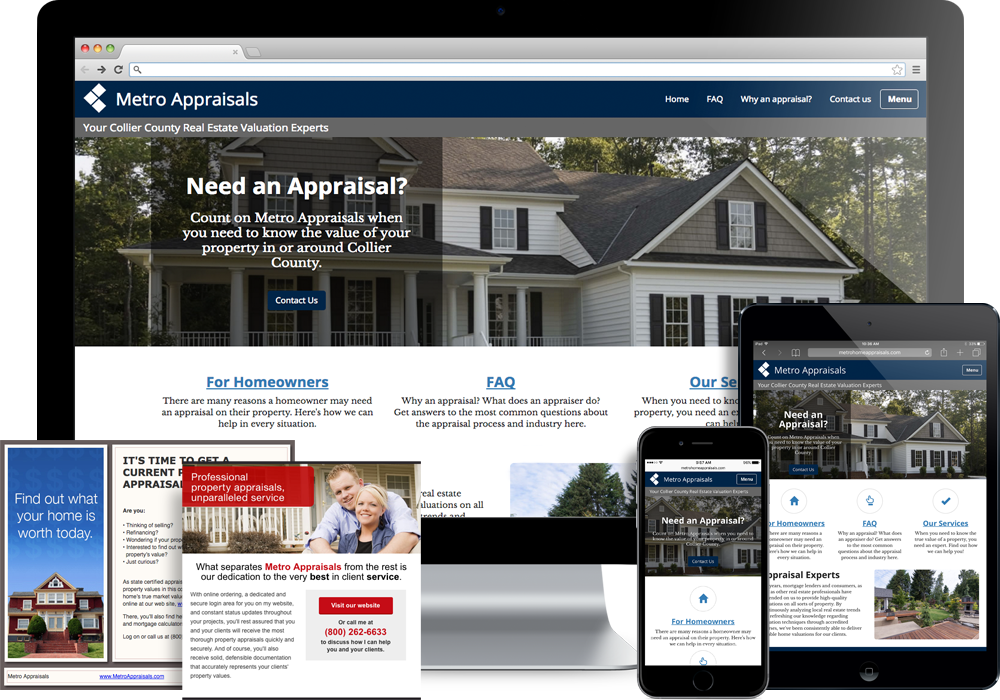
“...There are days when all of my orders are generated directly from my XSite. By simply turning on a few features and adding some keywords, I have a website that keeps me busy year-round. The best part of XSites is once it’s set up you’re done.”
Not all vendors are created equal.
Our pricing policies are fair
When you move to us, we’ll give you credit for what you have left on your current contract. So you could switch for free. From there, you don’t have to worry about token-like fees either. And our annual bundles (like the Elite System) save you tons of money.
Loyal to the appraisal industry
We treat you with respect. That’s shown in our Loyalty Rewards program, the fact that we invest so heavily into staffing our support department around the clock, “give back” codes for local groups, our track record for going to bat for appraisers, and more.
Constantly innovating
For example, we’ve developed mobile apps since 1991 and they keep getting better. (The other guys are still trying to catch up.) And pretty soon our Titan generation will bring cloud-based appraising, comp management game-changers, and more.

“When you’ve been with a vendor forever, it can be hard to switch. I was with ACI 15 years before ending the relationship. When I made the move to a la mode, it was clear to me they understood the appraisal process and created a product with the features key to increasing an appraiser’s productivity.
Their products are simple to use, the learning curve is minimal, and it’s a super productivity increaser. You’ll start saving time immediately importing comparables and mapping data. The workflow is logical and easier to navigate than ACI.”

“I can do 17 appraisal inspections in one day using TOTAL for Mobile. With the app, I can get through a house in 15 minutes rather than an hour like I used to. It’s a huge timesaver.
One of the greatest things about TOTAL for Mobile is the rooms tab. I can quickly input all the information I need, including taking a photo and labeling it — all from one screen. Best of all, I don’t have to go back and do it all over again at the office, as everything immediately gets added to my report.”